Congratulations!
STEP 1: Welcome to SalesProcess!
To Our Latest SalesProcess Member:
You have just signed up for the most powerful marketing automation software on the planet, which is awesome and also a little bit like getting a piece of alien technology.
Because of this, there are some important onboarding instructions we need to give you, so please read the entire page...
But before we dive straight into it...
Be Sure To Keep An Eye On Your Inbox For Your Logins!
Check your email. Click ALL MAIL (including spam).
Make sure you see an email that says "Account Created | SalesProcess."
That will have your username and password in it to log into your account at app.salesprocess.com.
IF YOU DO NOT SEE IT, please message us at support@salesprocess.com immediately. It most likely means you typed your email wrong in the order form.
*For some reason, if you got locked out, reset your password. Check your spam folder if somehow you don’t see it in your inbox.
STEP 2: Where Your SalesProcess Journey Begins
Once You're Logged In, Let's Take Note Of A Few Important Parts Of The Empire You'll Need To Access Right Away.
First things first, join us in the official SalesProcess Facebook group... the empire of all empires, where you can connect with like-minded people, share your wins while using the software, and ask away anything you need clarity on... we have your back.
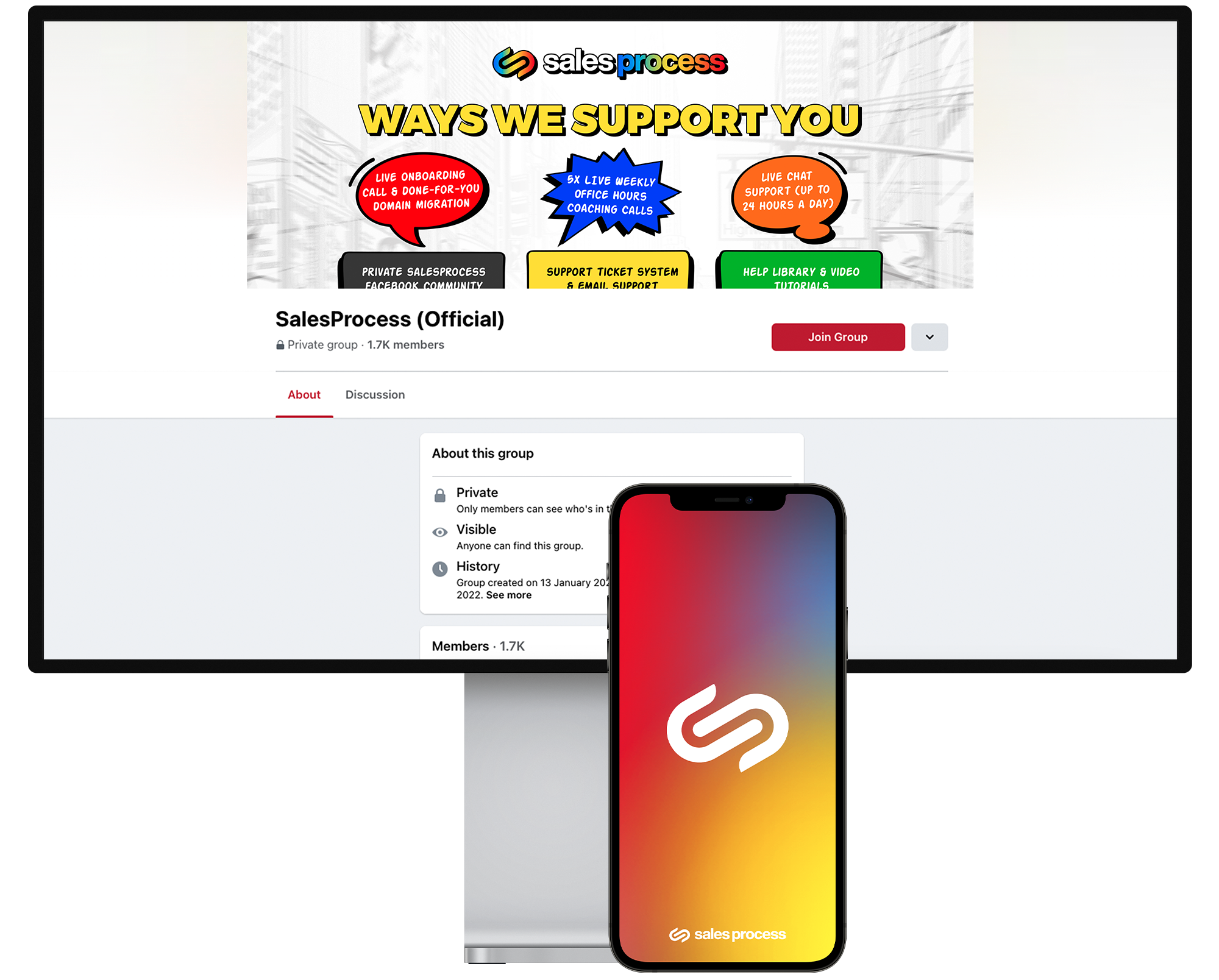
If you need any help or tutorials, you can...
Access our “Help Library” at the top right of the dashboard.
On Mondays through Fridays from 6 am - 9 pm PST, there's also a little live chat widget that gets you to a human… that's our live chat.
If you need to update your billing, that's on the left-hand side, too, where it says “Company Billing.”
